Accounting
Accounting Software for Small Business: When Spreadsheets Stop Being Enough
Spreadsheets work until GST, invoices and team size grow. Learn when to switch to accounting software for your small business, and how to do it.
By Ledgzo Editorial Team · · · 8 min read
Why this decision matters
You started with a spreadsheet because it was free, familiar and fast. Then the invoices piled up, the GST deadline got closer, and your CA began sending back files with questions. Now you're wondering if accounting software for small business is worth the money, or if you're just overcomplicating things.
The honest answer is that it depends on where your business is today. Spreadsheets are fine at some stages and risky at others. This guide shows you where the line is, what each option really costs, and how to decide without guesswork.
How spreadsheets work for small business bookkeeping
Spreadsheets deserve credit. For a very small business, Excel or Google Sheets can handle the basics well.
Spreadsheets work well when:
- You send fewer than 20–30 invoices a month
- You're a solo owner, or have one person handling the books
- You are not yet registered for GST, or you have very simple GST needs
- Your cash flow is predictable and your product list is short
They cost nothing, you control the layout, and there's no learning curve. If this describes you, there's no need to rush into software.
Where spreadsheets start to fail
Problems show up slowly, then all at once. Here's what usually goes wrong as a business grows:
- Manual errors. One mistyped amount or broken formula can carry through the whole file. Spreadsheet errors are a recognised operational risk, especially as files become larger and more complex.
- No automatic checks. A spreadsheet will happily let a debit and credit not match. Software flags it.
- Version confusion. Two people edit two copies. Nobody knows which one is right.
- Slow reconciliation. Matching bank statements line by line eats hours every month.
- Weak audit trail. You can't easily see who changed what, or when.
- Poor visibility. Who owes you money? What's your cash position today? Answering takes work.
- Security. A file on a laptop or in email is easy to lose, copy or overwrite.
What accounting software does differently
Good accounting software automates the repetitive parts of small business bookkeeping so you can focus on running the business.
Typical capabilities:
- Professional invoices with GST calculated automatically
- Bank feed or statement import with reconciliation
- Payment reminders and receivables tracking
- Expense and vendor bill management
- Live reports: profit and loss, balance sheet, cash flow
- Multi-user access with permissions and activity logs
- One-click data sharing with your CA
The biggest change is that data is entered once and flows everywhere. An invoice updates your sales report, your GST summary and your outstanding balances at the same time.
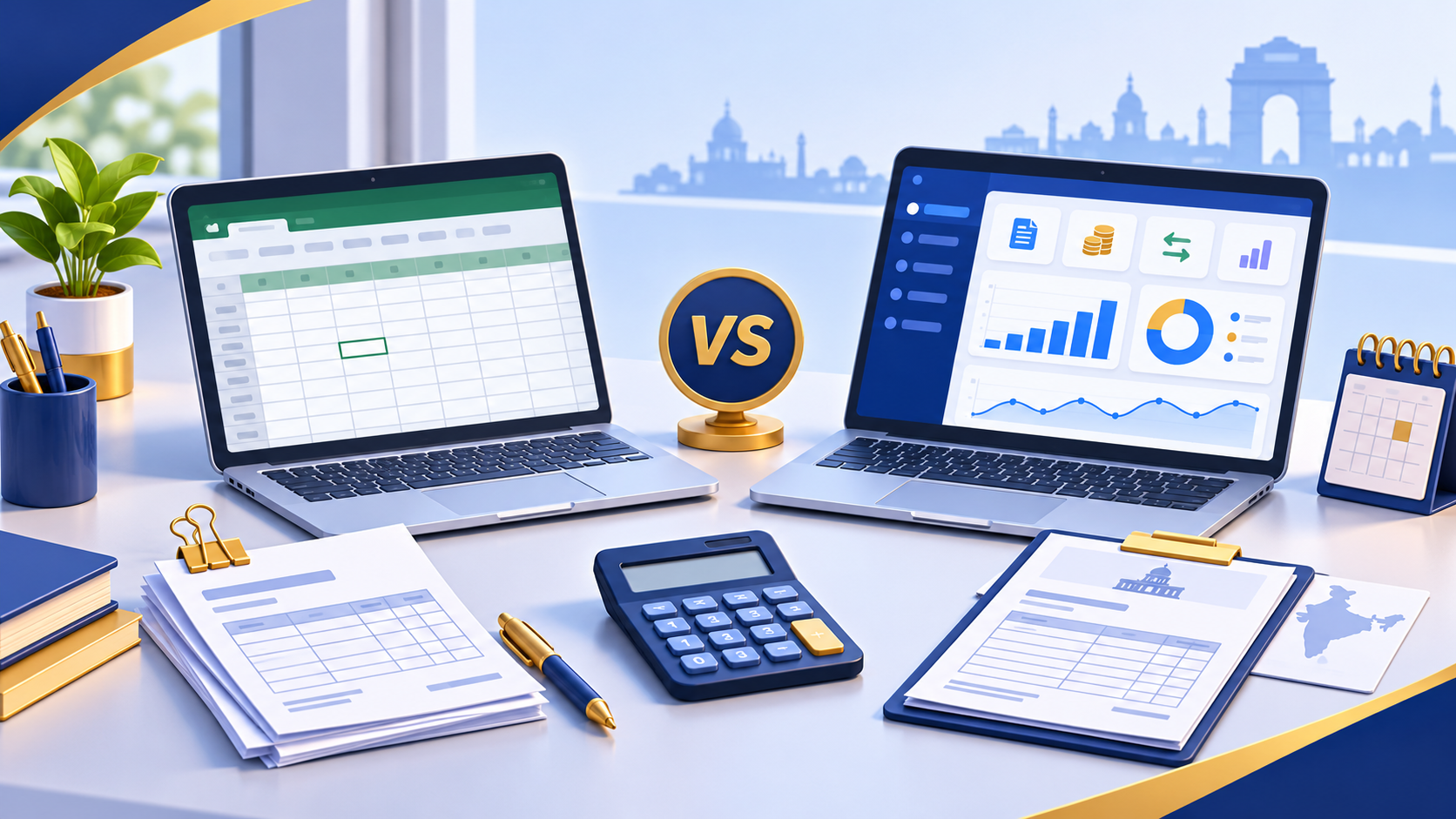
Accounting software vs Excel: side-by-side comparison
| Factor | Spreadsheets | Accounting software |
|---|---|---|
| Upfront cost | Free or already owned | Subscription (monthly or yearly) |
| Setup time | Minutes | A few hours to a few days |
| Error risk | High, since everything is manual | Lower, with built-in validation |
| GST invoicing and returns | Manual calculation | Automated calculation and return-ready data |
| Bank reconciliation | Manual, line by line | Semi-automated |
| Multi-user work | Risky (version conflicts) | Built for teams, with permissions |
| Audit trail | Limited | Detailed activity logs |
| Real-time reports | Need to be built by hand | Instant |
| CA collaboration | Email attachments | Shared access or easy exports |
| Scales with growth | Gets harder over time | Designed to scale |
The spreadsheet vs accounting software question is really one of time and risk. The spreadsheet's low price is balanced by hours of your time and a higher chance of mistakes.
GST: the biggest reason Indian businesses switch
For most Indian small businesses, GST is the tipping point. Spreadsheets can calculate tax. They can't keep you compliant on their own.
GST accounting software helps with:
- Correct tax on every invoice, including CGST, SGST and IGST based on place of supply
- Return-ready data for GSTR-1 and GSTR-3B
- Input tax credit tracking, so you claim what you're owed
- E-invoicing and e-way bills, where they apply to your turnover and type of business
GST rules and turnover limits change from time to time. Check the current thresholds on the official GST portal before you plan your switch.
Real-world example: a trading business at breaking point
Example scenario (illustrative):
Meera runs an electrical supplies trading business with six employees. For three years she tracked everything in Excel. By her third year she was sending around 150 invoices a month.
Every month-end she and her accountant spent two days matching bank entries and fixing GST mismatches. Twice, an invoice was entered with the wrong tax rate, and the error was found only during the CA's review.
After moving to accounting software, invoices carried the right tax automatically and bank reconciliation dropped from two days to a few hours. Receivables reminders also helped her collect payments faster. The real gain was not the software itself. It was getting her time and confidence back.
Signs it's time to switch
Consider moving if three or more of these sound familiar. Tick the ones that apply to you.
- You spend several hours every month reconciling and correcting entries
- You're registered for GST and file returns regularly
- More than one person updates your financial file
- Your CA frequently returns your data with corrections
- You can't say how much customers owe you without digging
- You've found a formula error or a duplicate entry in the past year
- You're planning to apply for a loan or funding, or to expand to new locations
Common mistakes to avoid
- Waiting for a crisis. Switching during a GST deadline or audit is stressful. Switch during a calm period.
- Choosing on price alone. The cheapest tool that lacks GST features will cost you more later.
- Skipping your CA. Ask your accountant which formats and reports they prefer before you choose.
- Moving messy data. Clean customer lists, item names and opening balances before importing.
- Not running both systems briefly. Keep your spreadsheet running alongside the software for a month to catch gaps.
- Buying features you'll never use. Pick software that fits your size now and can grow.
Key takeaways
- Spreadsheets are fine for small, simple businesses with low invoice volume.
- Accounting software for small business pays off when invoices, team size or GST work increase.
- The real cost of spreadsheets is time and error risk, not the file itself.
- GST compliance is the most common reason Indian owners switch.
- Migration is manageable: clean your data, start at a quarter or year start, and involve your CA.
- Choose software for your needs today, with room to grow.
FAQs
Is Excel enough for small business accounting?
Yes, for a while. If you send only a few invoices a month, have no staff and aren't GST-registered, a well-built spreadsheet can work. Trouble starts when volume grows, several people edit the file, or GST filing begins. At that point, errors and lost time usually cost more than software.
When should I switch from spreadsheets to accounting software?
Switch when bookkeeping steals time from running the business. Clear triggers include hours spent on reconciliation, missed payment follow-ups, regular GST filing, or your CA repeatedly asking for corrections. If one wrong formula could cost you money, it's time to move.
Is accounting software expensive for small businesses?
Not necessarily. Most tools are priced monthly or yearly, and plans vary by features and number of users. Compare the subscription against the hours you spend on manual work and the risk of GST errors. Check each vendor's pricing, since plans change often.
Can I move from Excel to accounting software easily?
Usually yes. Most software lets you import customer, vendor and item lists from spreadsheets, then add opening balances. Plan the switch at the start of a quarter or financial year, run both systems for a month, and ask your CA to review opening balances.
Does accounting software file GST returns?
Most Indian accounting software prepares GST-ready data, and many generate return summaries or export files for the GST portal. Features differ by product. Check support for GSTR-1, GSTR-3B, e-invoicing and e-way bills before you buy.
Conclusion
Spreadsheets are a great starting point, but they aren’t built to carry a growing business through GST, multiple users, and a CA’s scrutiny. The right moment to switch is before errors and stress force you to, not after.
If you’re weighing your options, see how Ledgzo can simplify your invoicing, GST, and books.